This page is the user-facing reference for installation, behavior, and troubleshooting.
Usage
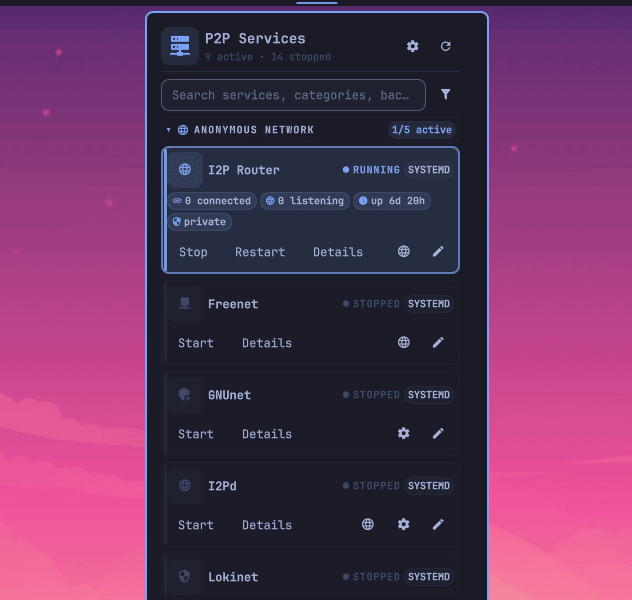
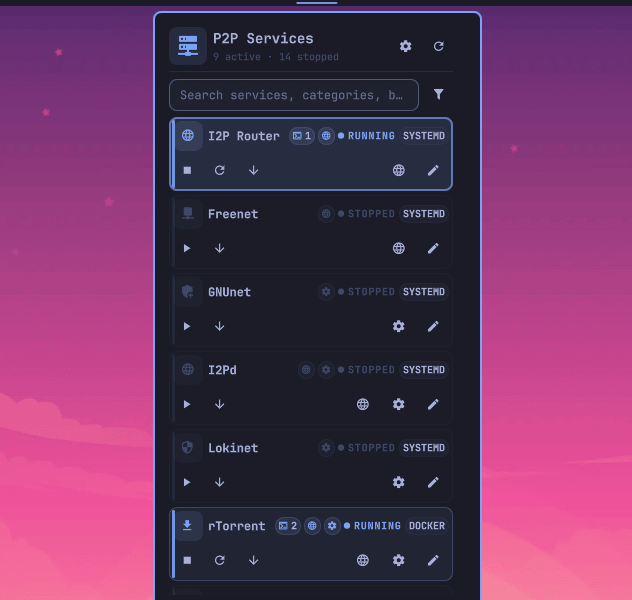
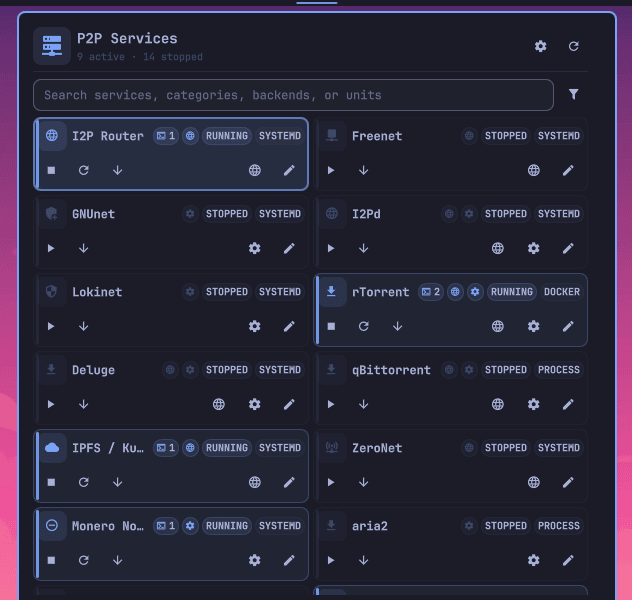
- Click the bar widget to open services; middle-click it to open settings.
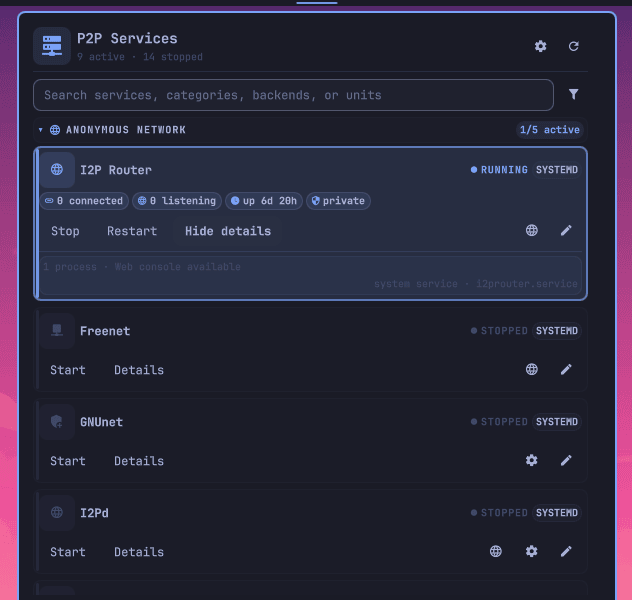
- Search by label, service, runtime, unit, or category. Reveal the filter row for status, layout, and compactness controls.
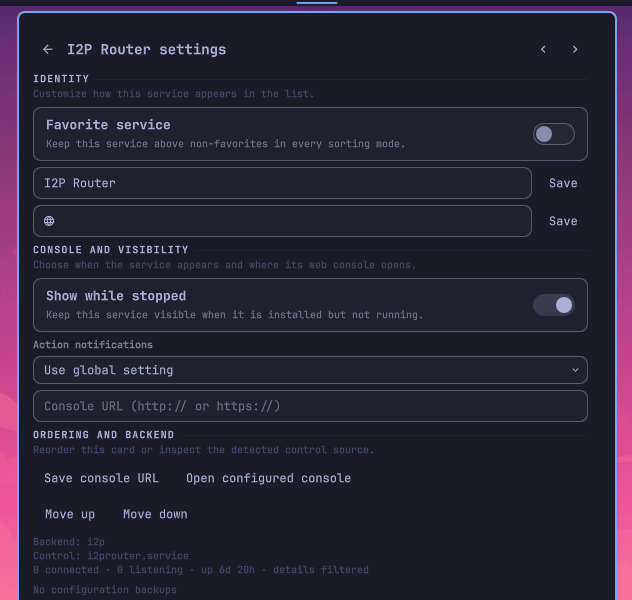
- Right-click a service for safe actions and logs; middle-click it for service-specific settings.
- Right-click the bar widget for a complete refresh. Press
/ in the panel to focus search.
Configuration
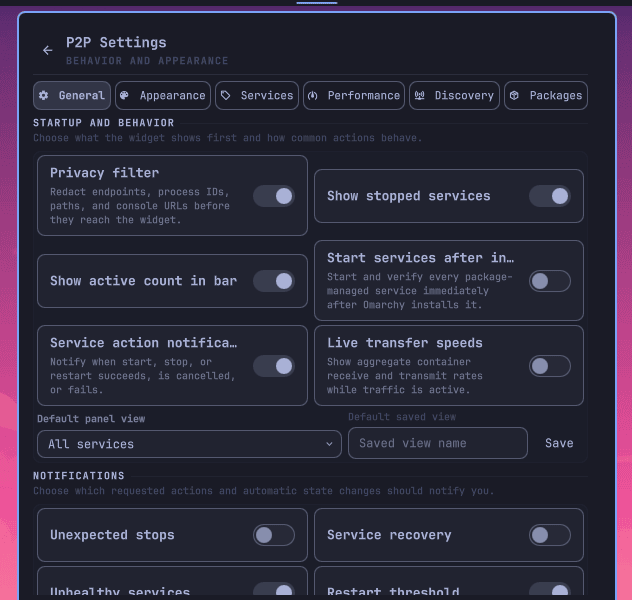
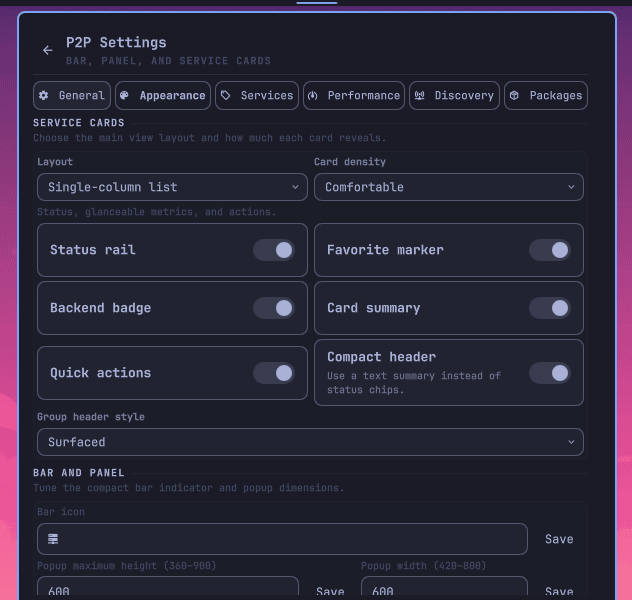
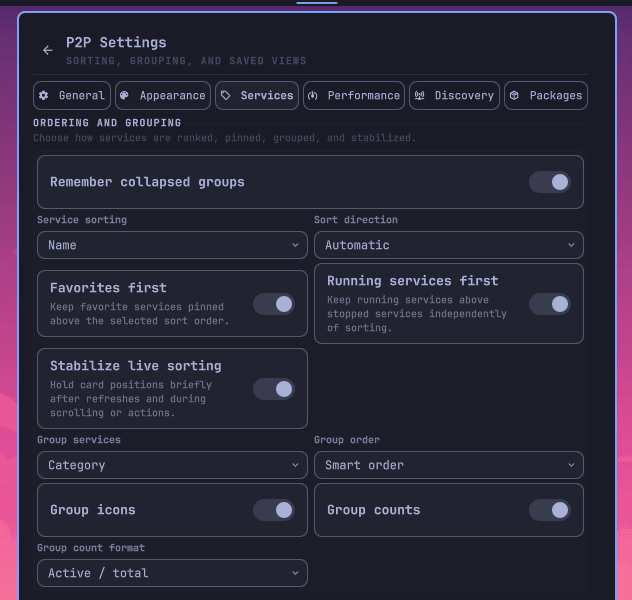
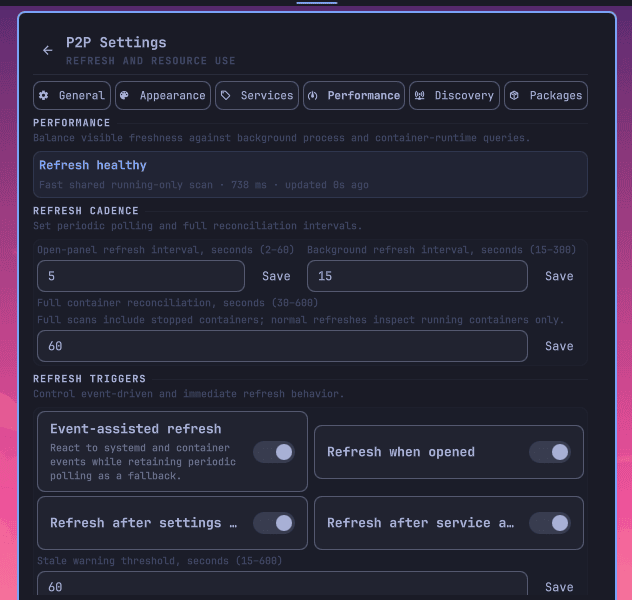
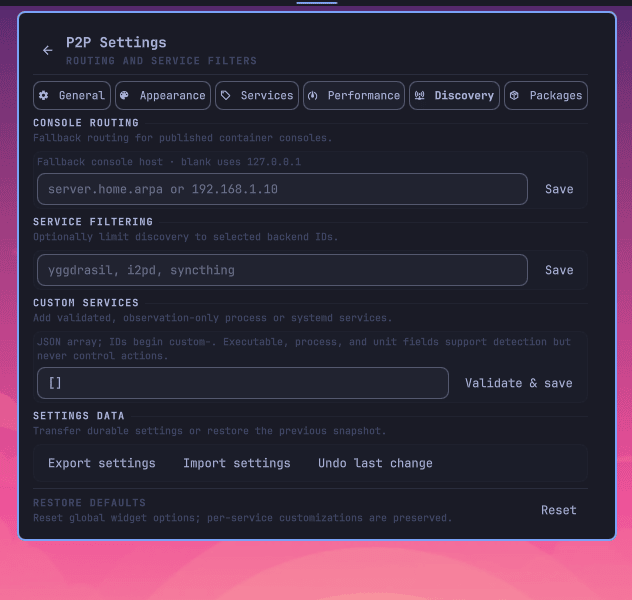
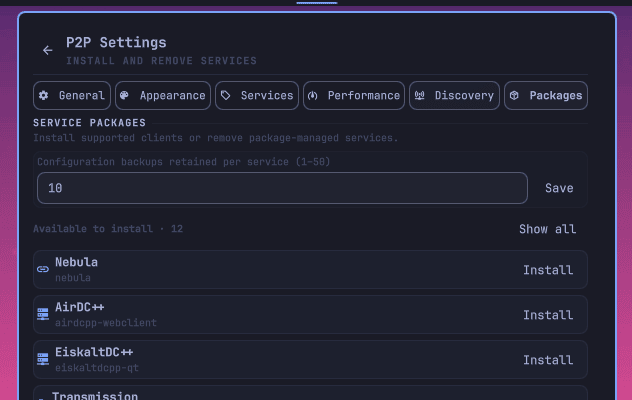
General owns privacy, startup behavior, and notifications. Restart notifications use confirmed lifecycle evidence, so a service self-update takes priority over transient stop-failure state. Appearance controls bar and card presentation. Services owns layouts, sorting, grouping, favorites, and named views. Performance tunes refresh work. Discovery owns routing and custom observation-only services. Packages handles optional installs, backups, and removal.
Comfortable, compact, and minimal density work in list and grid layouts. Category grouping is available in either layout.
Supported services and runtimes
Built-in discovery covers mesh and overlay networks, anonymous networks, download clients, content networks, synchronization tools, and node software. This includes Tailscale, Yggdrasil, ZeroTier, Nebula, NetBird, I2P, IPFS, Syncthing, qBittorrent, Transmission, Deluge, aria2, Soulseek clients, GNUnet, RetroShare, Monero, and related tools.
Only detected services appear. The plugin observes system and user units, exact current-user processes, Docker, and Podman. Package actions are offered only for the maintained allowlist; containerized, manual, and externally managed deployments remain discoverable without becoming package-managed.
Privacy and diagnostics
Privacy filtering is enabled by default and removes peer or socket endpoints, process IDs, configuration paths, and console URLs before status reaches the interface. Keep it enabled for screenshots and public reports.
Support reports force the private projection. The optional event journal stores only allowlisted event kinds, counts, and timestamps. It never stores service identities or arbitrary detail.
Performance
One keep-loaded service shares status work across monitors. Snapshot indexes, a short-lived cache, request coalescing, deferred updates while scrolling, and event-assisted refresh avoid redundant scans. Podman uses bounded reconciliation instead of a persistent event process.
Use Performance settings to adjust foreground and background intervals, stopped-container reconciliation, traffic sampling, and event-assisted refresh. Disabling traffic rates also skips container-stat collection.
Troubleshooting
- If data is stale, run a complete refresh and check the panel health marker.
- If controls are unavailable, confirm the service is detected and has a supported unit, container, or exact process identity.
- Use Performance settings to copy a privacy-filtered support report.
- Restart Omarchy Shell after installation or an update if the widget does not load.
Removal and retained data
Remove the widget from the bar, then run omarchy plugin remove io.github.bolens.p2p-services. This does not stop or remove service packages, containers, or their configuration.
Plugin settings and backups remain under the Omarchy directories in $XDG_STATE_HOME and $XDG_DATA_HOME so uninstalling cannot destroy user data. Delete those plugin directories separately only after confirming their backups are no longer needed.